
Amethyst Mapper+ Beta
Encrypted storage
5 MB per account, roughly 1,000-2,500 typical maps.
Share Map
Send a saved map by link, then let the recipient save their own
copy.
Priority support
Real human support with a response time of up to 24 hours.
AI, Storage and Human Support
The Mapper FFA base stays the same: infinite-canvas mapping for real work. Mapper+ adds secure saved maps, direct sharing, interface themes, priority human support, and AI tools meant to help when the work is messy, not to pretend it is finished.
- Everything in Mapper FFA stays in the base product
- Application-based beta for testers
- Daydream AI for starting and unblocking map work
What Mapper+ adds
Mapper+ keeps the FFA base and adds the account and workflow layer.
Mapper+ is not a different product philosophy. It keeps the same mapping foundation and adds the parts people need when the work has to persist, move between people, and survive more than one session.
Same mapping base
Infinite canvas, nodes, links, groups, Markdown content, and export stay part of the product. Mapper+ adds to that base instead of turning it into something else.
Saved work tied to a real account
Each tester gets a secure account for saved maps, shared-map access, and continued work across sessions.
5 MB per user
Mapper+ includes 5 MB of encrypted storage for mind maps. With typical maps in the 2-5 KB range, that is roughly 1,000-2,500 maps.
Canvas to canvas
A saved map can be shared directly by link from the canvas. The recipient can review the shared snapshot and save their own copy without exporting a file first.
One product, more than one workspace mood
Global interface themes let users change the overall workspace treatment and contrast instead of staying locked into one visual style.
Real human help when something breaks or blocks the work
Mapper+ includes priority human support with a response time of up to 24 hours.
Daydream AI
Daydream AI is there to help when the map stalls.
The AI layer is not there to replace the thinking. It is there for the moments when thoughts arrive as a dump, when one branch freezes, or when the whole map needs a clean summary in plain text.
Text To Map
Text To Map takes raw notes, fragments, worries, plans, or a full brain dump and turns them into a usable starting map. It is good for planning, good for clearing mental overload, and good for seeing shape where there was only a dense block of text.
- Turns unstructured text into a first working map
- Useful when thinking is real but still shapeless
- The user still shapes the final structure
Expand Selected Node
Expand Selected Node is for the moment when one branch stops moving. Instead of regenerating the whole map, Mapper+ offers local suggestions exactly where the process got stuck.
Summarize Map
Summarize Map gives a direct summary of the current canvas. It is useful when the map is already large and you need the main line in plain text without flattening the map itself.
Optimize Map
Optimize Map is in development and planned before the open beta launch at the end of April 2026.
The public description stays narrow until the feature is live.
Current beta proof
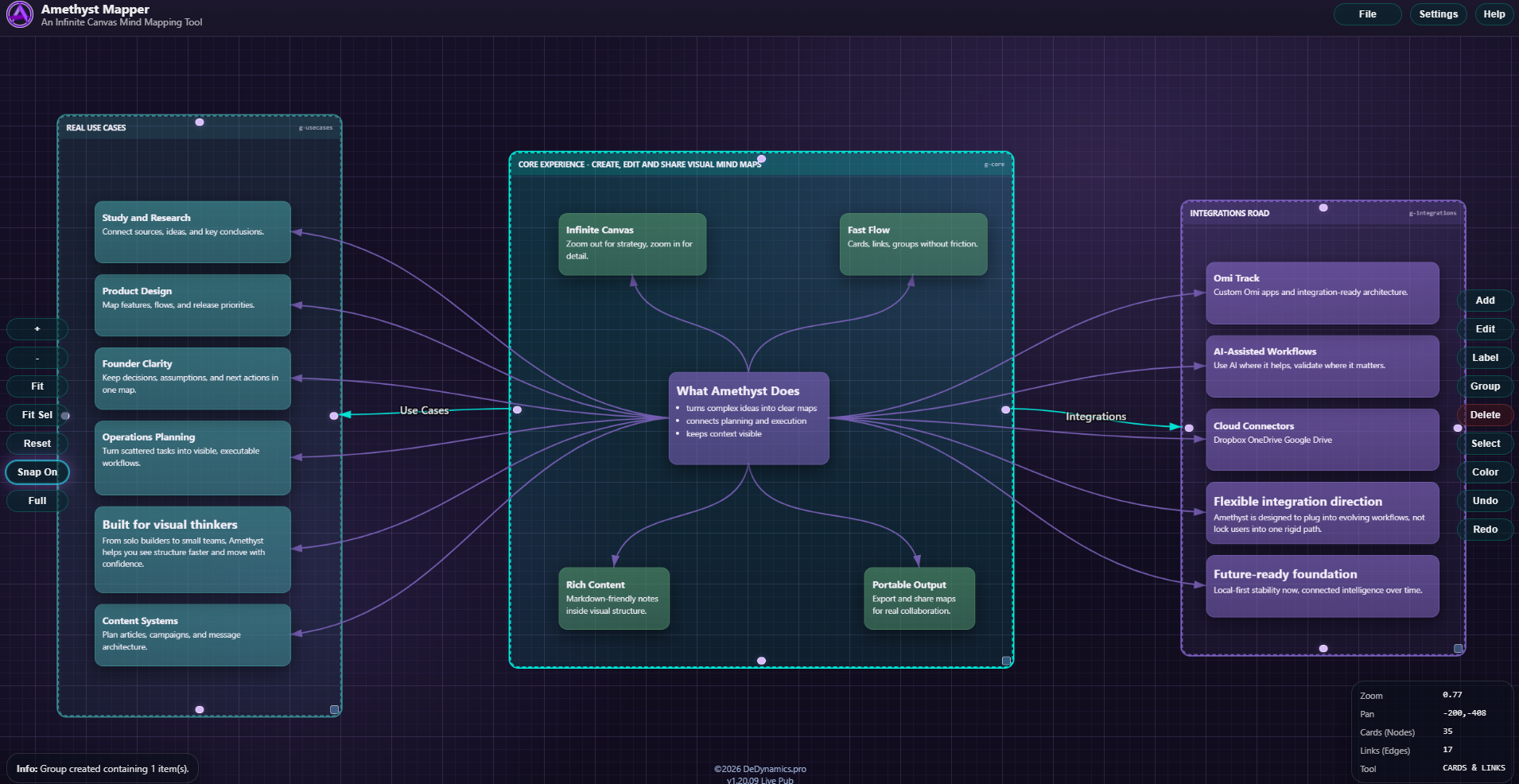
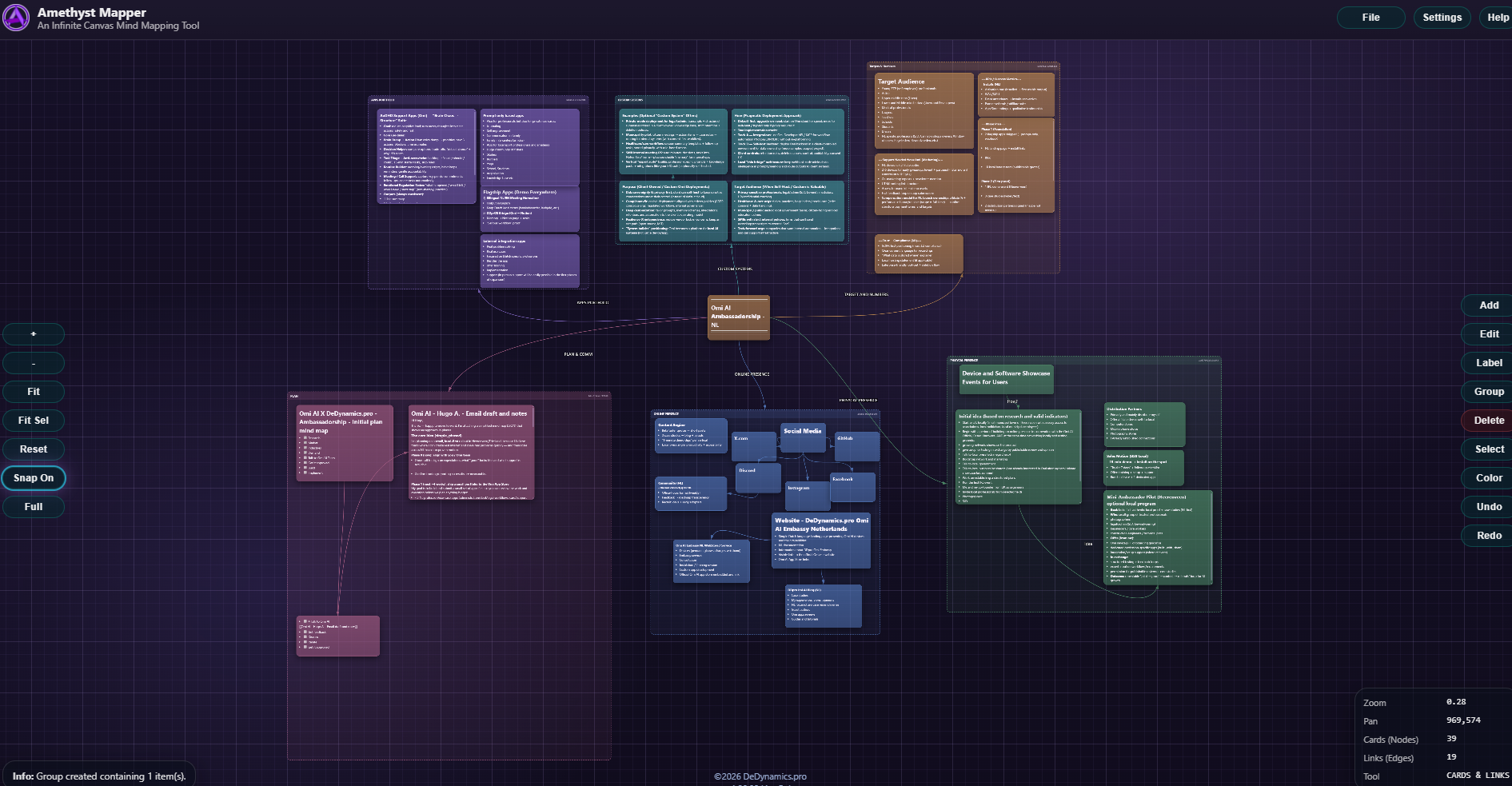
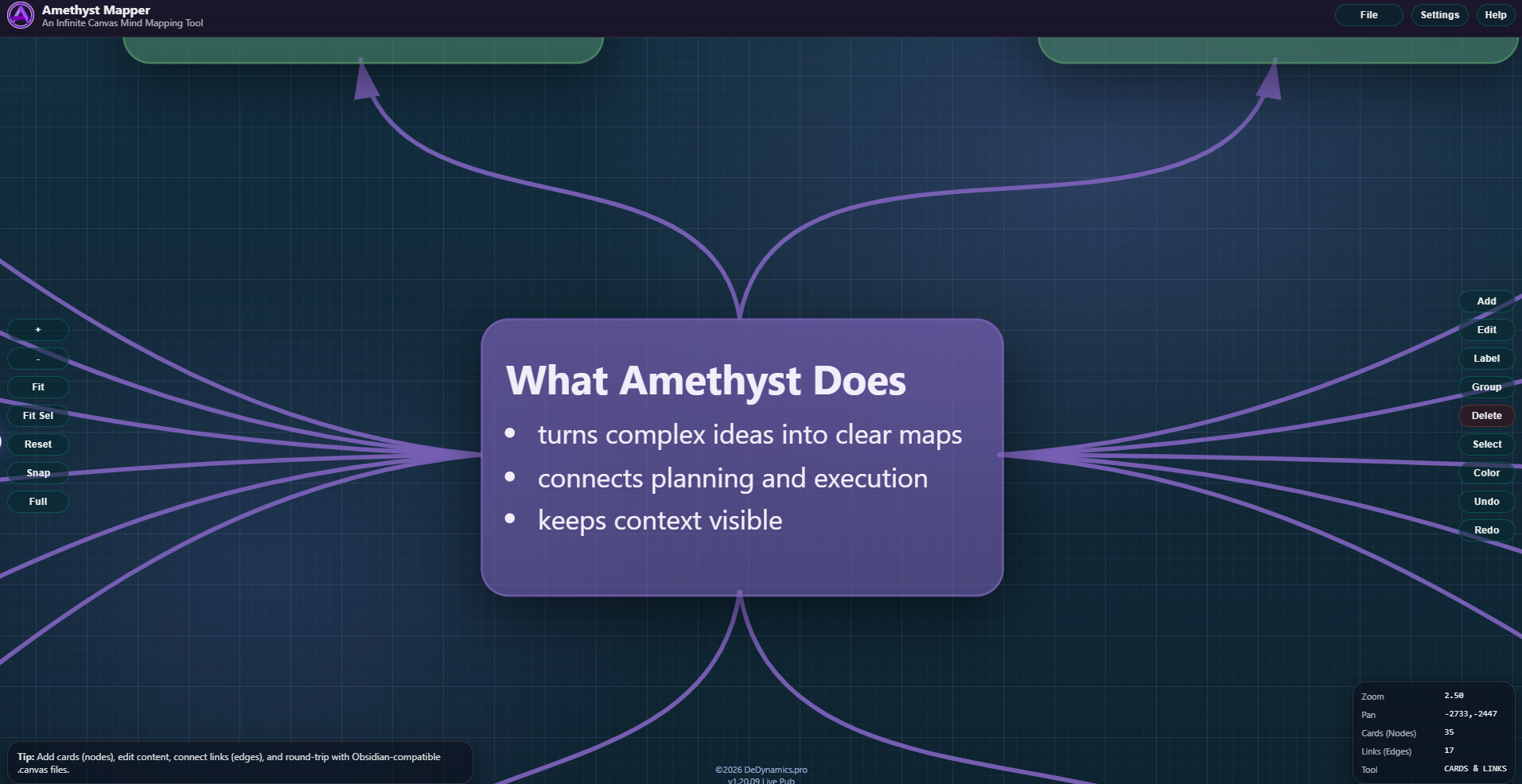
Screens from the current Mapper+ build.
These screenshots are here as product proof, not as decoration. They come from the current beta surface and show the actual workspace, not a concept mockup.
Apply to test
Apply to test Mapper+.
Tell us what you want to structure and why Mapper+ is useful for that work now.
- Application-based beta
- Short practical answers are enough
- We follow up by email
Use the optional fields only if they help explain the work clearly.
Technical reference
Specifications & docs
Current status, saved-work model, Daydream AI surface, privacy
note, and public references for Mapper+ Beta.
Specifications & docs
Current status, saved-work model, Daydream AI surface, privacy note, and public references for Mapper+ Beta.
Product profile
Mapper+ keeps the same Amethyst mapping foundation as FFA, then adds a secure account layer, encrypted saved-map storage, direct share links, interface themes, priority support, and Daydream AI tools for starting and unblocking map work.
- Status
- Live beta. Usable now, but still an active beta rather than a locked final release.
- Access model
- Application-based beta. Access is provided to approved testers.
- Base layer
- Everything in Mapper FFA remains the base product surface, including infinite canvas mapping, Markdown content, and export.
- Availability
- Browser-based beta at mapper-plus.dedynamics.pro .
- Account & storage
- Secure account with encrypted 5 MB map storage per user, roughly 1,000-2,500 typical maps.
- Share workflow
- Saved maps can be shared directly by link from the canvas. The recipient can review the shared snapshot and save their own copy.
- Interface themes
- Global interface themes are available for different contrast and workspace preferences.
- Support
- Priority human support with a response time of up to 24 hours.
- Daydream AI
- Text To Map, Expand Selected Node, and Summarize Map are live in the current beta. AI output still needs user review.
- Privacy & data
- Mapper+ processes account data, saved maps, support messages, and the text or canvas content submitted to Daydream AI features. Do not use it for regulated or highly sensitive data.
Included now
- Secure account and saved-map workflows
- Encrypted 5 MB per-user storage
- Share Map links for saved maps
- Global interface theme switching
- Text To Map, Expand Selected Node, and Summarize Map
- Priority support within 24 hours
In development
Optimize Map is in development and planned before the open beta launch at the end of April 2026.
This page stays intentionally conservative until the feature is live.
Documentation & references
- Open live Mapper+ Beta Current browser-based beta app
- Read the beta access page Public overview of the beta scope, application step, and AI direction
- Privacy & beta terms Data-handling anchors and current beta terms
- Read the Amethyst manual Public manual for the shared mapping base. Mapper+ account details remain narrower than the FFA manual surface.